

Notice it. Keep control.
No apps are blocked and your phone stays unlocked. See the number, then decide whether to keep scrolling.
Silverback counts the videos you scroll. Go past your daily goal and a gorilla snaps you out of it.
Silverback is a free short-video scrolling counter for Android. It counts videos you scroll on Instagram Reels, YouTube Shorts and TikTok, showing the total over the app. Pass your single daily goal and a gorilla punches virtual glass. It never blocks apps or locks your phone. Core features need no account; optional extras require Pro.
Silverback uses Android’s accessibility service to detect the supported app, the short-video screen and scrolling movements. Counting rules are tuned for Instagram Reels, YouTube Shorts and TikTok. It counts only on short-video screens, so browsing the normal feed adds nothing. Counting happens on your phone, with the total displayed in a small overlay.



No apps are blocked and your phone stays unlocked. See the number, then decide whether to keep scrolling.
Use the counter, daily goal, gorilla reactions and streak tracking without an account. Extra features are available with optional Pro.
Counts swipes on supported short-video screens. Browsing your regular feed does not add to your daily count.
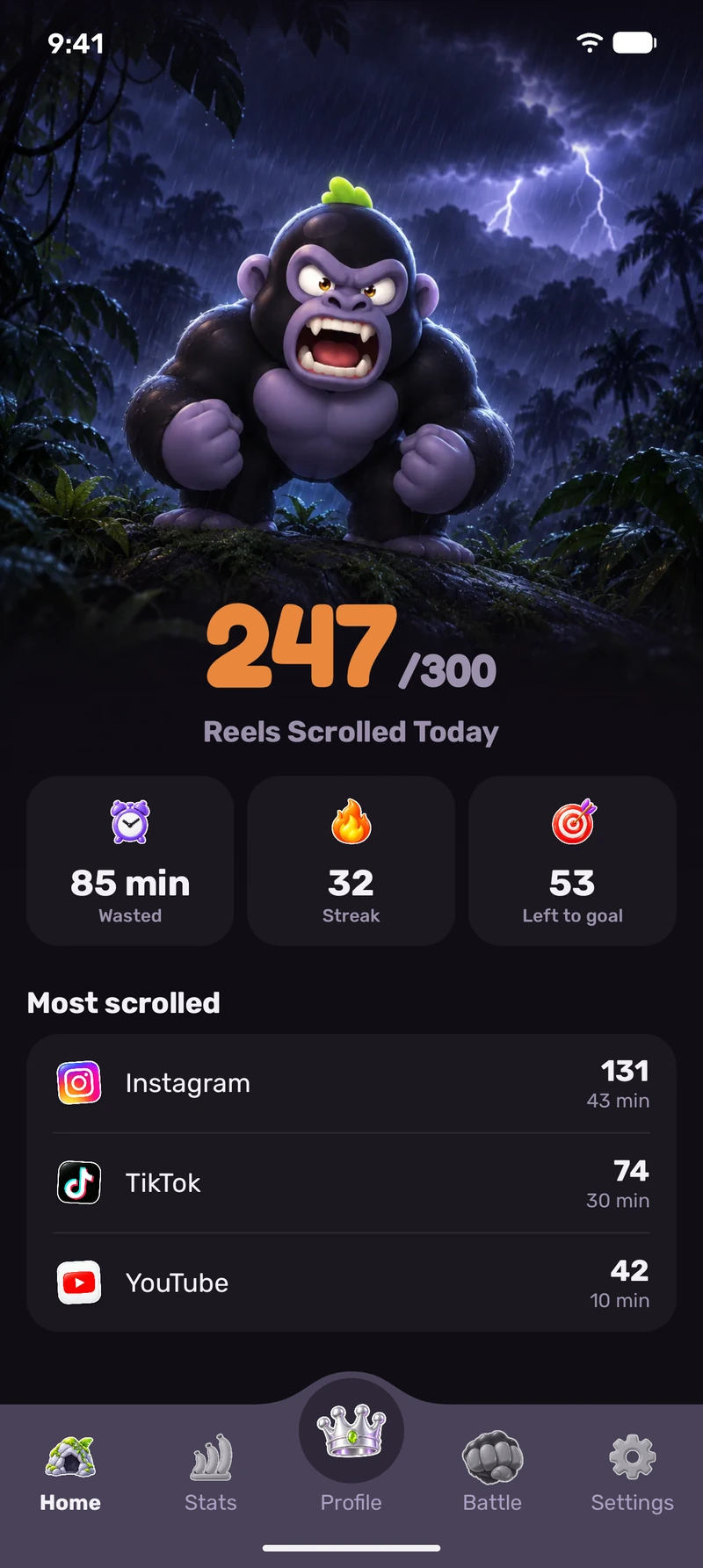
Each video you scroll on Reels, Shorts and TikTok lands on a counter on top of the screen. The goal is personal to you.
Home
The gorilla shows up on top of the app you are scrolling and punches the screen. Hard to ignore.
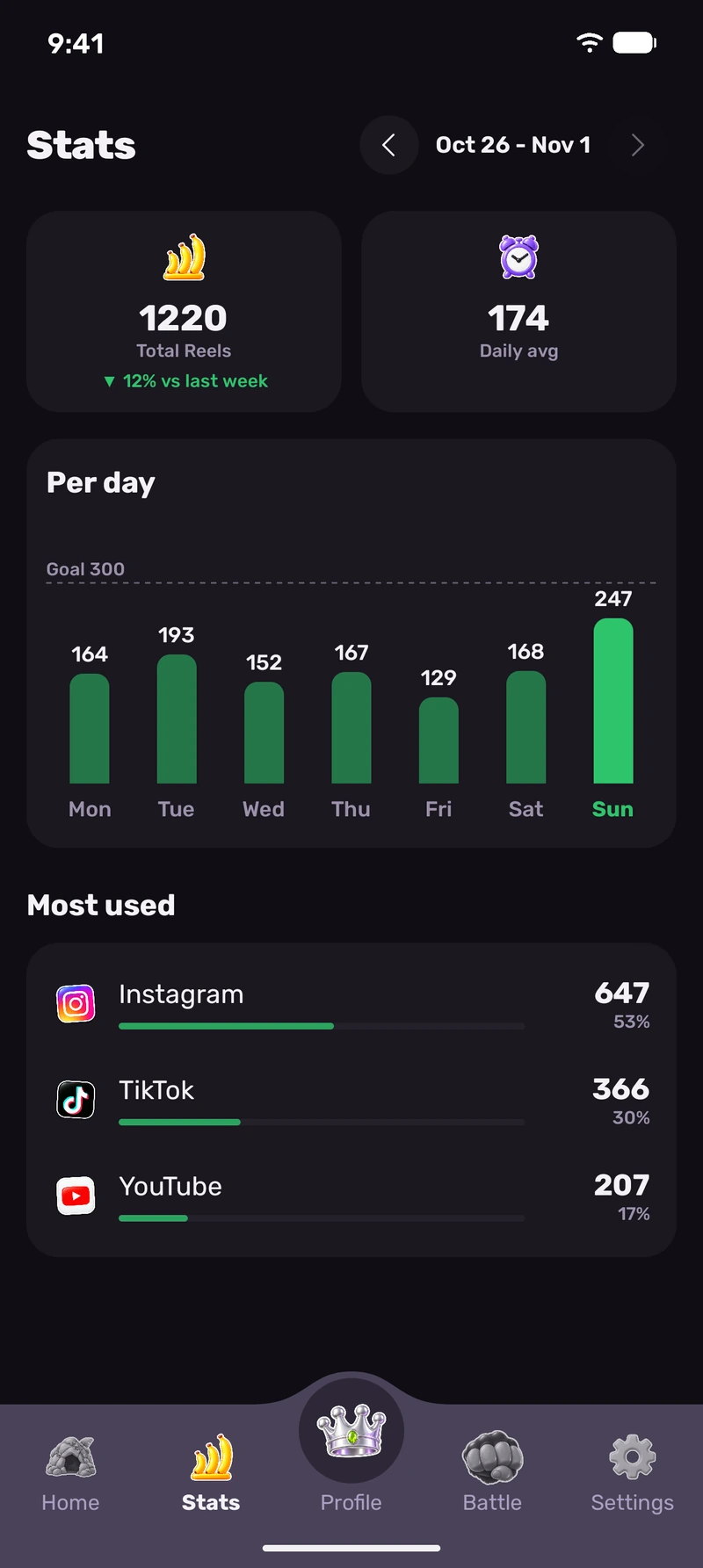
See your habits in a weekly video-count chart and a breakdown by app. Past weeks require Pro.
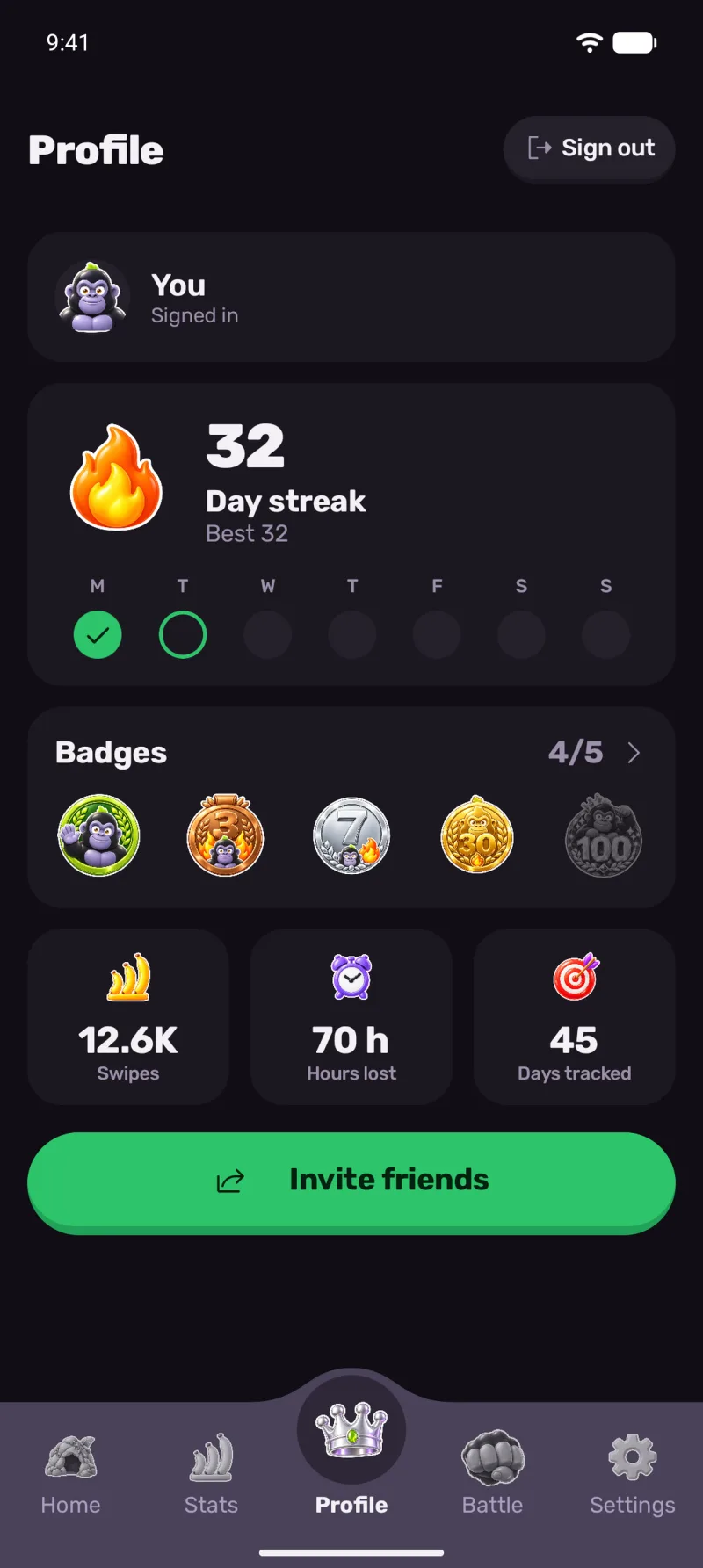
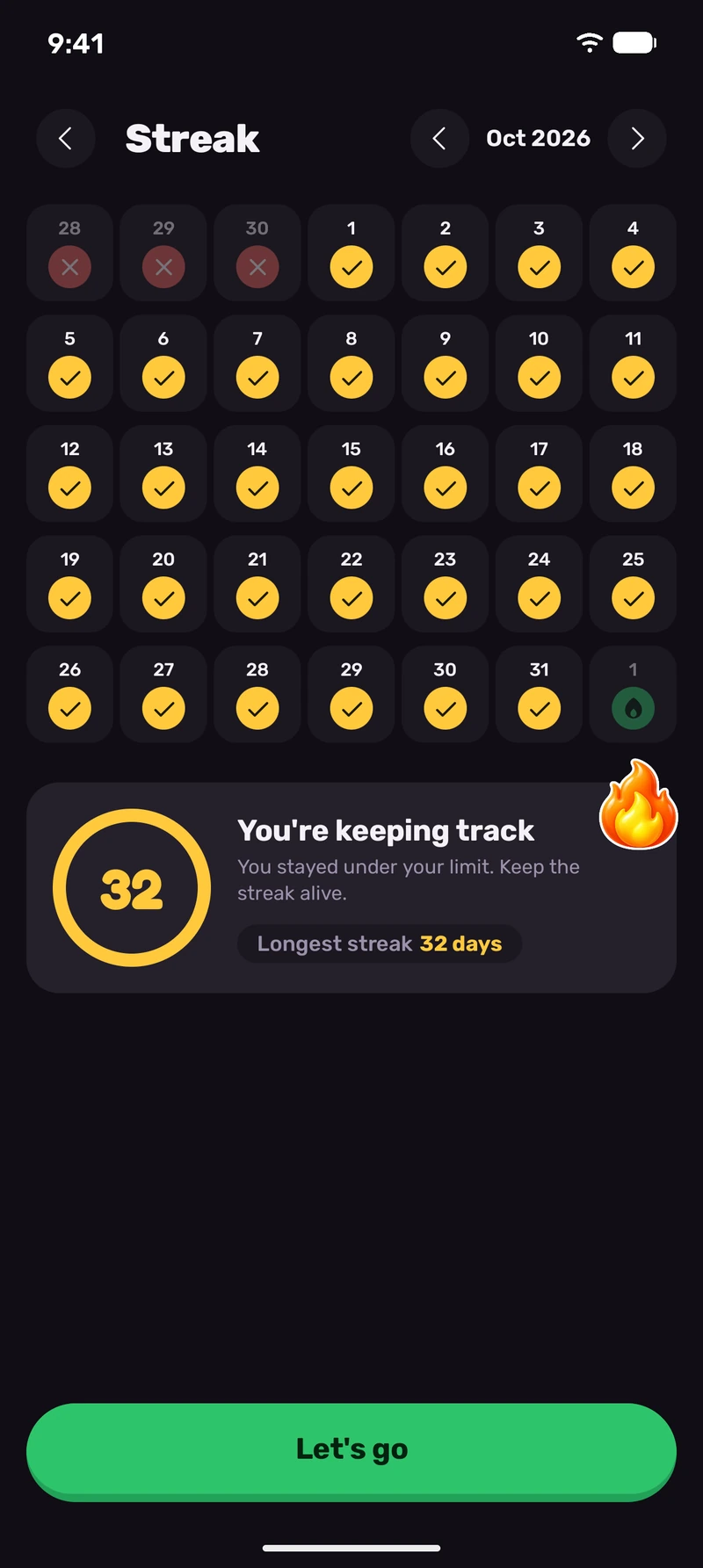
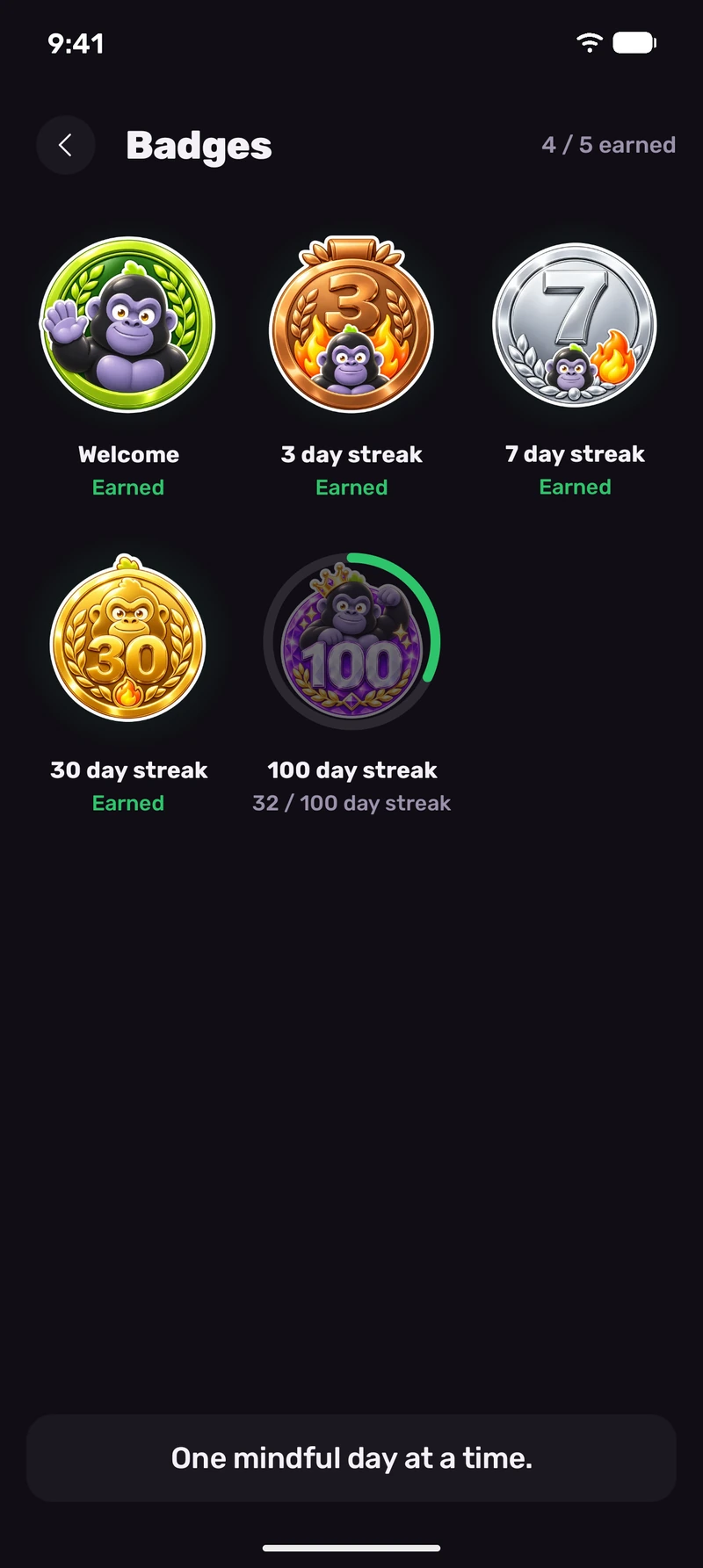
Every day you finish under your goal adds to the streak, and a longer streak unlocks badges.
No. Silverback never blocks apps or locks your phone. It counts the short videos you scroll and reacts when you pass your daily goal: a gorilla punches virtual glass to get your attention. You can keep scrolling; there are no forced breaks or lock screens.
Silverback uses Android’s accessibility service to detect the supported app, the short-video screen and scrolling movements. Counting rules are tuned for Instagram Reels, YouTube Shorts and TikTok. It counts only on short-video screens, so browsing the normal feed adds nothing. Counting happens on your phone, with the total displayed in a small overlay.
Silverback uses Android’s accessibility service to detect the supported app, short-video screen and scrolling movements. It takes no screenshots and does not read what you type. You can revoke the permission in Settings > Accessibility at any time. Automatic video counting cannot work while the permission is off.
Silverback shows the number of videos you scroll on short-video screens. This is a different measurement from total minutes spent in an app. You get one daily goal across Reels, Shorts and TikTok. The gorilla reacts when you pass it; no apps close.
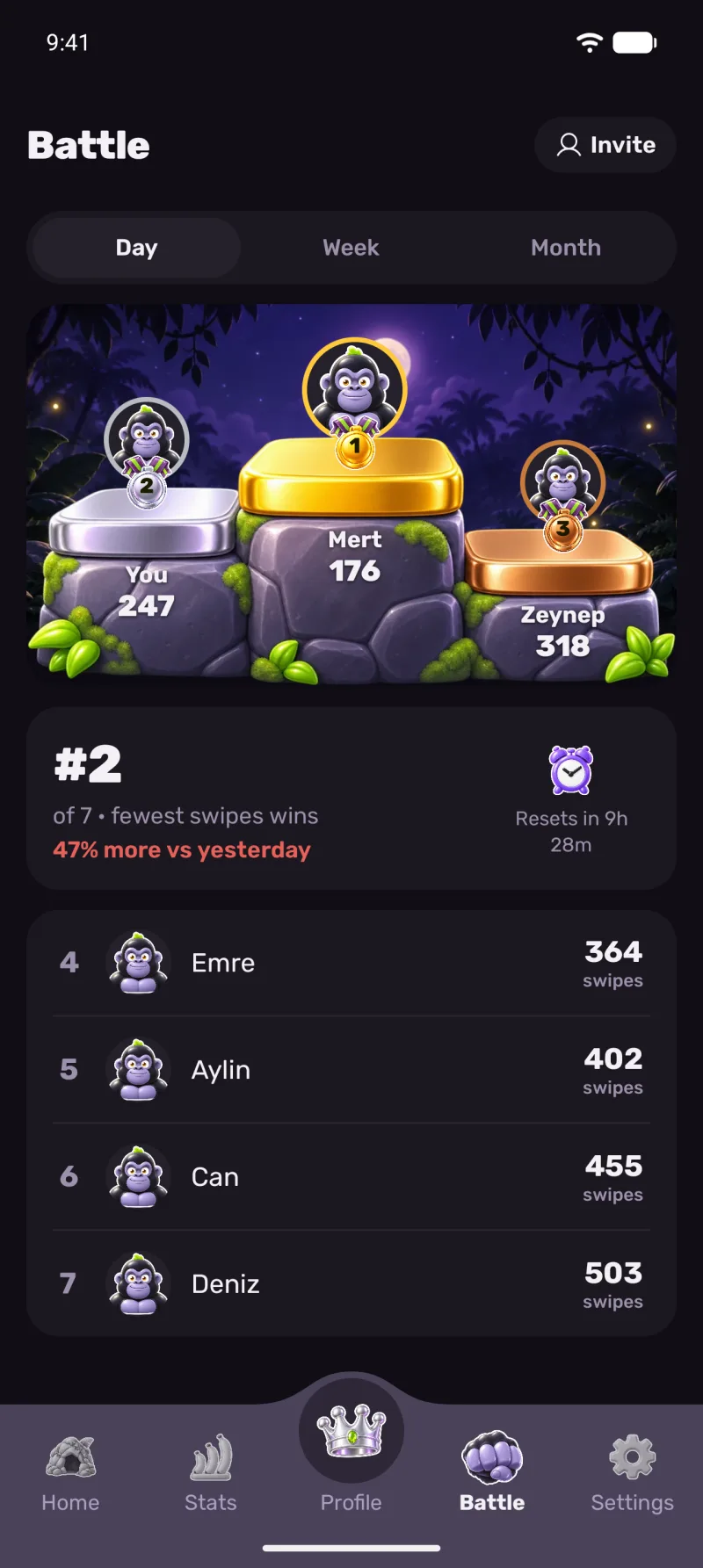
Yes. Silverback is free to download on Google Play. The video counter, gorilla reactions, single daily goal, streak tracking and badges are core features and work without an account. A bigger Battle, past weeks, custom app icons and Streak/Battle widgets come with an optional paid Pro subscription. You do not need Pro to start seeing how many videos you scroll.
No. Silverback takes no screenshots, reads no text, and never stores or sends screen content. When product analytics is enabled, it processes a pseudonymous identifier and aggregate technical diagnostics to improve counting reliability; see the Privacy Policy for details.
There is no single video count that suits everyone. Silverback asks how much you scroll on first launch and sets a personal daily goal from that. Video count and viewing time are different measurements: if you watch each of 100 videos for 24 seconds, that totals about 40 minutes. This is an illustrative calculation, not measured screen time.
Silverback is currently available only for Android on Google Play. There is no iPhone version. Its counting and overlay features use Android accessibility and display-over-other-apps permissions.
The counting service runs to detect short-video scrolling and can use battery. Actual consumption depends on your phone, Android version and usage. Check Android Settings > Battery to see consumption on your device.
Silverback works on Instagram Reels, YouTube Shorts and TikTok short-video screens on Android. It counts the videos you scroll there and shows the total in a small overlay. Browsing Instagram’s normal feed does not count. All three apps remain usable. Counting needs accessibility permission, and the floating counter needs permission to display over other apps.
Silverback makes your short-video scrolling visible and gives you a personal daily goal. The count gives you feedback while you work on reducing screen time. It is not a treatment for phone addiction and promises no specific reduction. You decide when to take a break.
Silverback asks how much you scroll at first launch and sets a personal daily goal from your answer. Videos counted on Reels, Shorts and TikTok contribute to one daily total. There is no separate limit. Passing the goal does not close apps; the gorilla reacts by punching virtual glass to get your attention.